
Bonita Springs Directory Collections
No official catalog reviewed supplied a complete standalone annual Bonita Springs run. The verified starting points are regional Fort Myers directories, the State Library's statewide shelf, Lee library genealogy resources, newspapers, census material, and local vertical files. Each regional volume must be opened to confirm that it includes Bonita or its earlier place name.
| Historical collection | Documented span | Where found | How to use it |
|---|---|---|---|
| Regional Fort Myers directories | Intermittent verified leads, 1915 to 1960 | State Library and major genealogy collections | Catalog or on-site check for Bonita coverage |
| Florida city directories | Early 1900s to present overall | State Library of Florida | On-site shelves and reference search |
| News-Press microfilm | From 1884 in the 2015 guide | Fort Myers Regional Library | In-person news and obituary research |
| Necrology Index | More than 8,000 cards in 2015 | Fort Myers Regional Library | Name index used at the library |
| Bonita local vertical files | About 20 files in 2015 | Bonita Springs Library | Ask the branch about current access |
| Federal census | Public through 1950 | HeritageQuest, library databases, NARA | Household cross-check under the 72-year rule |
| Lee historical books | 1887 forward | Clerk Historical Document Library | Inspect, photograph, or hand-scan |
The regional directory leads include 1915-16, 1921, 1923-27, 1935, 1939, 1941, 1945, 1947, 1950, 1952-54, and 1956-60. Those years are research leads, not a promise that every volume contains Bonita entries. Later Polk-style and telephone books may cover the area, but their title pages and geographic scope need direct inspection.
Statewide Bonita Springs Directory Search
The State Library of Florida city-directory collection spans the early 1900s to the present as a statewide collection. Volumes are arranged by city and then by year. Reference staff can search the inventory or answer questions by phone at 850-245-6682. Ask for Fort Myers, Lee County, Bonita, Bonita Springs, and Survey as separate terms.
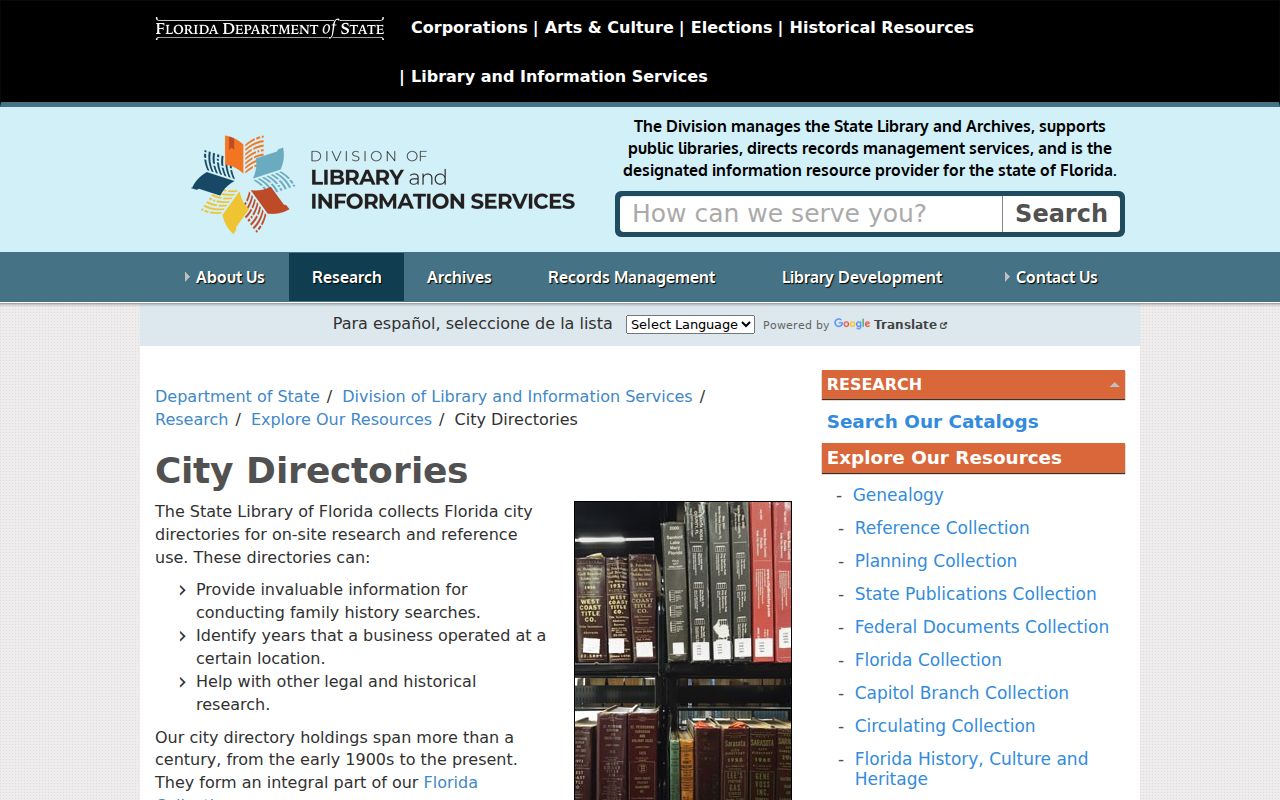
The state collection is the best official shelf-level starting point, but a catalog title alone does not settle whether a specific edition lists the Bonita area.
Florida Memory adds digitized maps, photographs, and archival records that can explain a place or street found in a city directory. It is a companion source rather than a verified digitized Bonita directory run. That distinction prevents an archive search result from being overstated as a complete annual directory.
Bonita Springs Regional Directory Years
The verified year leads are intermittent. A missing year in the list does not prove that no volume was published, and a listed Fort Myers year does not prove Bonita was canvassed. Start with the closest year to a known event, then check the title page, publisher statement, coverage notes, and map or street index before extracting a name.
A short record timeline keeps the geography straight:
- 1887: Lee County was created from Monroe County, and the Clerk's earliest official-record books begin.
- 1915-16: the earliest verified regional Fort Myers directory lead in the collected catalogs.
- 1915-60: intermittent regional years form the documented directory lead range.
- 1999: Bonita Springs incorporated, long after the first regional directory years.
- Present: exact Bonita-inclusive holdings still require a library or State Library reference check.
This sequence explains why older residents may be indexed under a regional heading while modern city records use Bonita Springs. For land and families before 1887, Monroe County or earlier state and federal systems may also matter.
Decode a Bonita Springs Entry
A Polk-style alphabetical entry can pack a family and address into one line. Read each element against that edition's abbreviation key. The publisher may identify a spouse, widow status, occupation, employer, home address, and an owner or renter mark. Do not assume the symbols remain the same across years.
| Name | Surname, given name, and initial; spelling can shift between editions |
|---|---|
| Spouse | Often printed in parentheses beside the listed person |
| Widow note | A "wid" mark may name the deceased spouse |
| Work | Occupation and sometimes an employer, as observed for that edition |
| Residence | Street number, street, or rural-route wording used at the time |
| Tenure mark | Some publishers distinguish owners and renters with a symbol |
Publication year may not equal observation year. Canvassing took place earlier. Seasonal residents could be missed, adult children might have separate entries, and rural routes may not align with a current road.
- Criss-cross directory
- A section arranged by street and house number, then occupant or telephone listing.
- Householder index
- An address-oriented list used to move from a home to the printed resident name.
- Abbreviation key
- The edition's legend defining short forms and symbols; photograph it before reading entries.
Lee Library Directory Research
The Fort Myers Regional Library Genealogy Room is the main operational research center. It holds the largest print genealogy and local-history collection in Southwest Florida, offers free extended appointments with specialists, and provides FamilySearch Affiliate computers. In-library access includes Ancestry Library Edition, while HeritageQuest and Fold3 add census, family-history, and military sources.
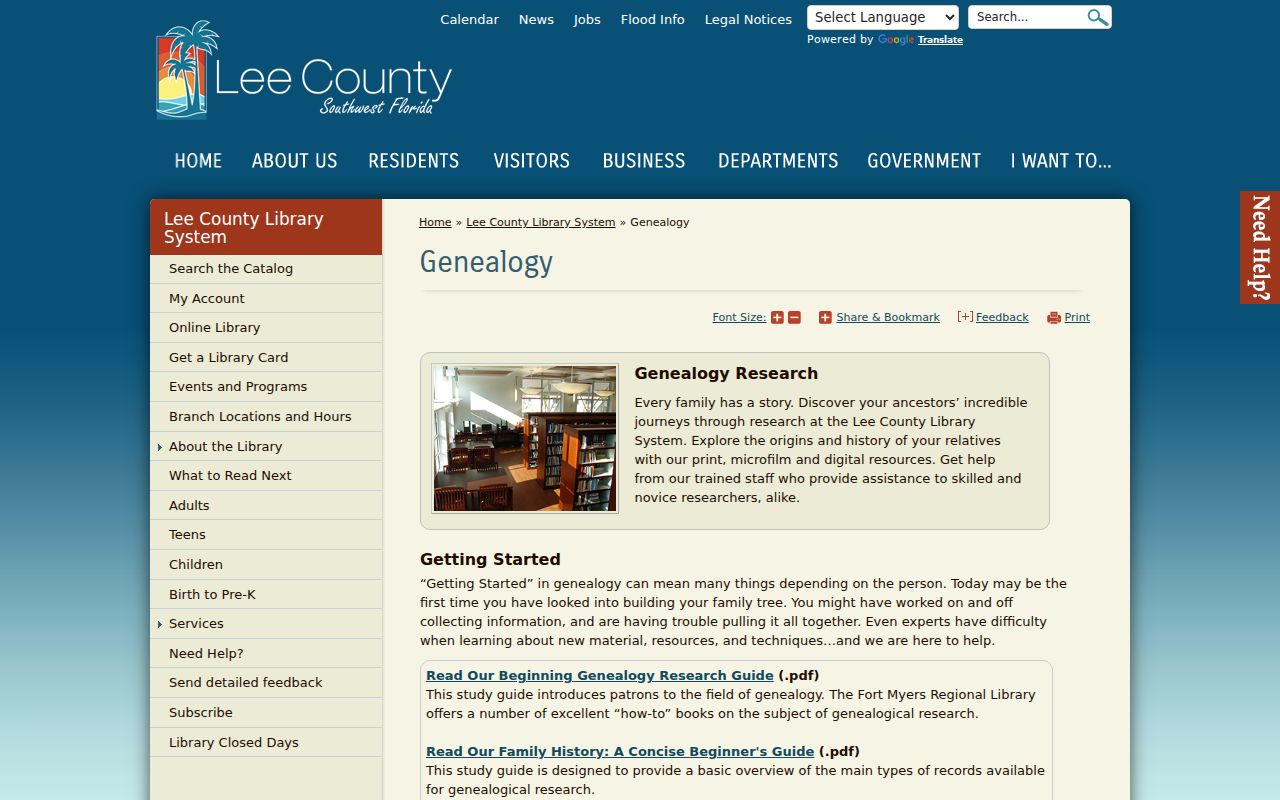
The genealogy service helps bridge a city directory entry to census, newspaper, deed, marriage, probate, or military material without treating any database as a complete residents list.
The Fort Myers Regional Library is at 2450 First Street, with the Genealogy Room on the second floor and reference help at 239-479-4636.
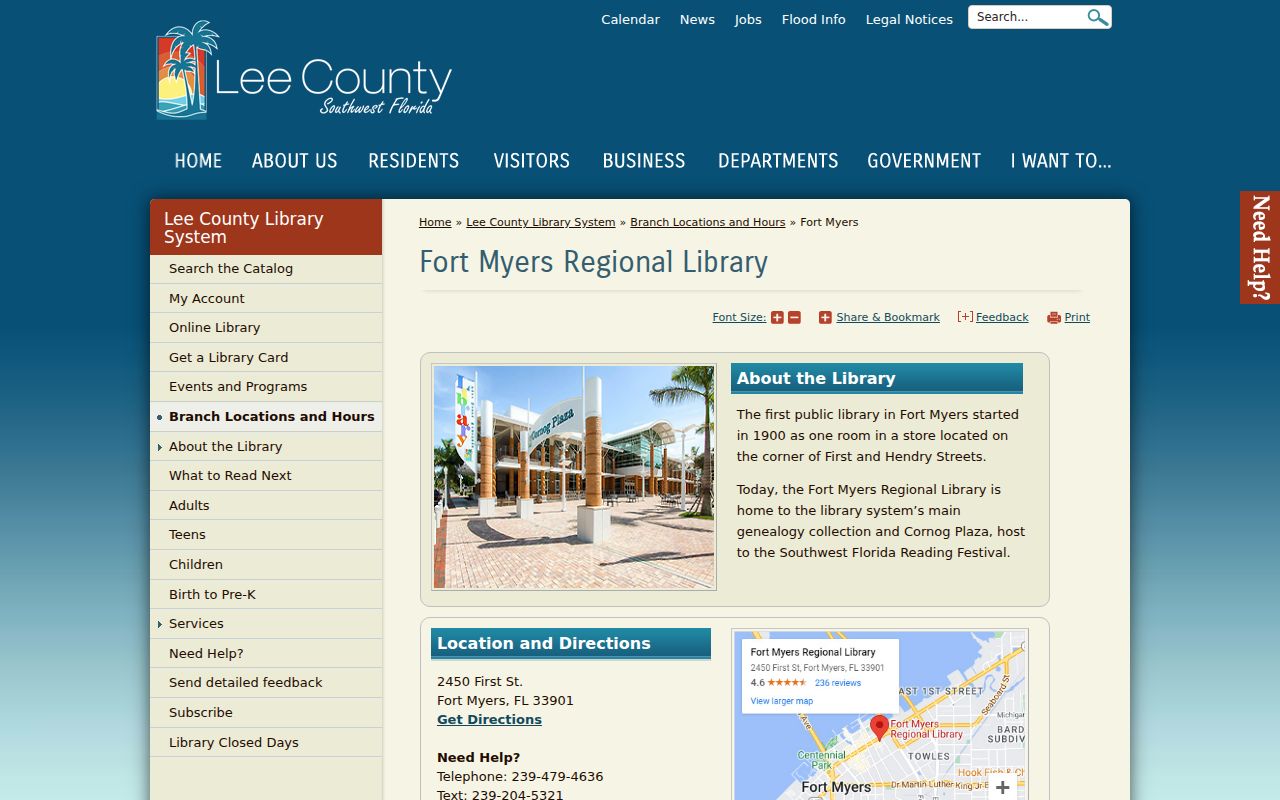
The branch page is the place to confirm current hours before a shelf visit or specialist appointment.
Bonita Springs Vertical Files
The Bonita Springs Library has a secondary genealogy collection with unusually local material. A 2015 official guide counted more than 1,300 books, more than 100 census microfilm rolls, and about 20 Bonita-specific vertical files. These are historical inventory figures, not guaranteed current shelf counts, so contact the branch or search the current catalog before requesting a named item.
Vertical files can hold clippings, manuscripts, photographs, neighborhood notes, and family material that never entered a printed city directory. The Southwest Florida Historical Society, Bonita Springs Historical Society, Florida Gulf Coast University archives, and Florida SouthWestern State College library can provide further leads. No official itemized online holdings catalog or research-fee schedule was found for the Bonita historical society, so ask staff rather than asserting a title.
Bonita Springs Names in News
Directories show a compact annual or periodic snapshot. Newspapers supply the events between those snapshots. The library's 2015 collection guide described News-Press microfilm from 1884, held then on 1,151 rolls, plus a locally compiled Necrology Index with more than 8,000 cards and over 1,000 vertical-file items. Those figures give a sense of the research depth while remaining dated inventory counts.
The Lee Library genealogy research tips archive continues to publish practical help, including recent material on obituaries and building an ancestral profile.
Use an obituary, wedding notice, property-transfer item, or advertisement to test a relationship seen in a directory. Verify key dates with the proper custodian record.
Search Survey and Bonita Variants
Modern spelling can hide an older entry. Bonita Springs developed around the Imperial River and Old 41 corridor, and the community was once known as Survey. Search the city directory catalog under Survey, Bonita, Bonita Springs, Fort Myers, and Lee County. Within a volume, also try a rural route, spouse name, employer, street variant, and surname spelling.
Compound surnames, married and maiden forms, initials, and diacritics deserve separate searches. If a family vanishes, do not assume it moved. Death, seasonal absence, a missed canvass, an unlisted telephone, or a shift to a rural route can cause the gap. A deed, census, newspaper, probate file, or church record can test those paths.
Trace Bonita Springs Family History
A careful city directory trail begins from a dated household already known through a census, deed, family document, or newspaper item. Work both before and after that date. Write down the edition title and publisher, not just the year, because regional coverage can change between volumes.
- Find the surname and given-name variants in the alphabetical section. Record spouse, occupation, employer, address, and every symbol.
- Check the years on both sides of the first match. Note address changes and gaps without assuming their cause.
- Use the criss-cross section, when present, to confirm the house number and nearby printed names.
- Pair the directory with a public census year. The 1950 census is the newest public decennial enumeration.
- Bridge the next gap with News-Press files, probate, deeds, cemetery or church evidence, and the library's vertical files.
A city directory entry records what a publisher gathered at one time. Census occupancy does not prove title, and a deed owner does not prove residence. Keeping those evidence types apart makes the final family timeline stronger.
Save a citation for each match, including the volume title, year, page, section, and repository consulted.
Modern Bonita Springs City Directory
The official Bonita Springs city directory is a staff and department contact list, not a historical household directory. It identifies elected officials and public employees in their official roles. City Hall, Community Development, and Neighborhood Services operate at different addresses, so the directory is useful when a historical question turns into a municipal records request.
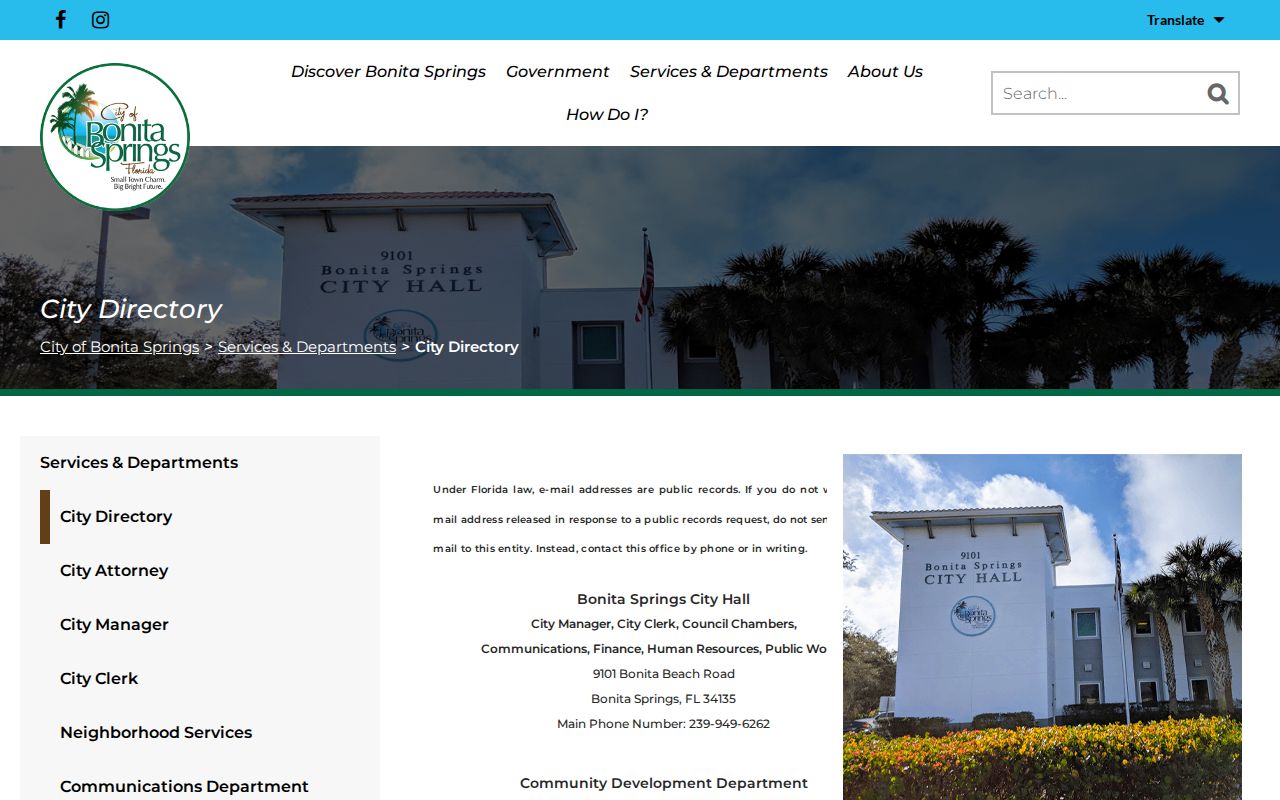
The current contact directory should never be read as a list of private households. It routes a request to the office that holds ordinances, minutes, permits, code files, or other city records.